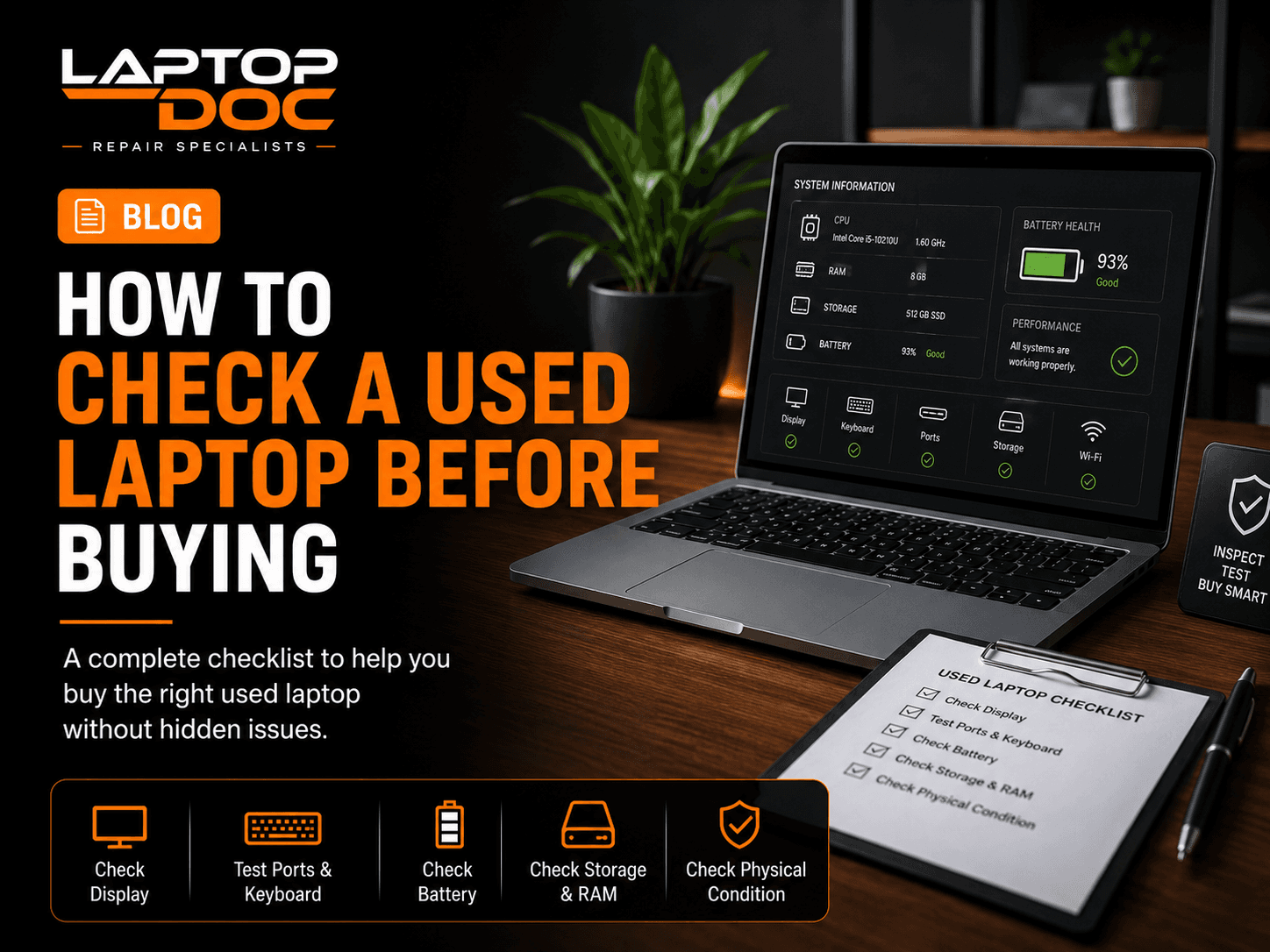
A used laptop can offer good value, but only when its actual condition matches the price. A basic inspection can reveal display, battery, storage, keyboard, port and body problems before purchase.
1. Inspect the Physical Condition
Check the laptop body, corners, bottom cover, screws and display frame.
- Look for cracks
- Inspect hinge movement
- Check missing screws
- Look for signs of impact
2. Check the Display
Look for dead pixels, unusual lines, flickering and uneven brightness.
3. Test Keyboard and Trackpad
Test every important key and confirm the trackpad clicks and gestures work correctly.
4. Test Ports and Connectivity
Check USB ports, charging port, Wi-Fi, Bluetooth and other important connections.
5. Check Battery Health
Battery condition can vary significantly in used laptops. Ask for available battery health information and test real-world backup when possible.
6. Check Storage and RAM
Confirm the installed storage capacity and RAM match the advertised specifications.
7. Check Temperatures and Performance
Use the laptop for enough time to notice unusual fan noise, heat or sudden shutdowns.
Related LaptopDoc Services
Explore services related to this guide.